Shared inbox and triage
Three panes: queue, thread, composer. Assign, set status and priority, tag, and search across every ticket. Bold subjects mark what is unread.
ResolveHQ is a shared-inbox helpdesk for support teams of one to fifteen. It runs as a single Worker on your own Cloudflare account, so customer email never leaves your tenant and there is no per-seat bill.
Needs a Cloudflare account with Email Routing, plus Resend for outbound mail (or Cloudflare Email Sending on Workers Paid). Small teams fit on the Cloudflare Free plan.

Why it exists
Most small teams outgrow group email long before they can justify an enterprise helpdesk, an ops person to run it, or a per-agent invoice.
No assignment, no status, no history per customer. Two people answer the same email, or nobody does. Nothing tells you what is overdue.
Built for hundreds of agents. Priced per seat, configured by an admin, and your customer conversations live on someone else's servers.
Small, fast, and deployed to your Cloudflare account. Everything a team of one to fifteen needs to answer email well, and nothing that needs an admin.
What you get
Triage, threading, routing, and reporting. Built to survive hundreds of small decisions per shift without wearing your team down.
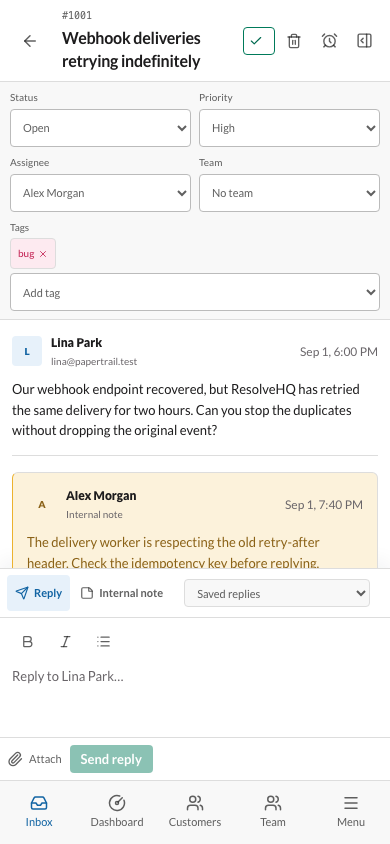
Three panes: queue, thread, composer. Assign, set status and priority, tag, and search across every ticket. Bold subjects mark what is unread.
Replies land on the right ticket using RFC 5322 headers, not subject-line matching. Outbound mail shows sent, failed, or retrying, with dead-letter recovery.
Rules route, tag, assign, and reply before a human sees the ticket. Keep the queue small enough to read.
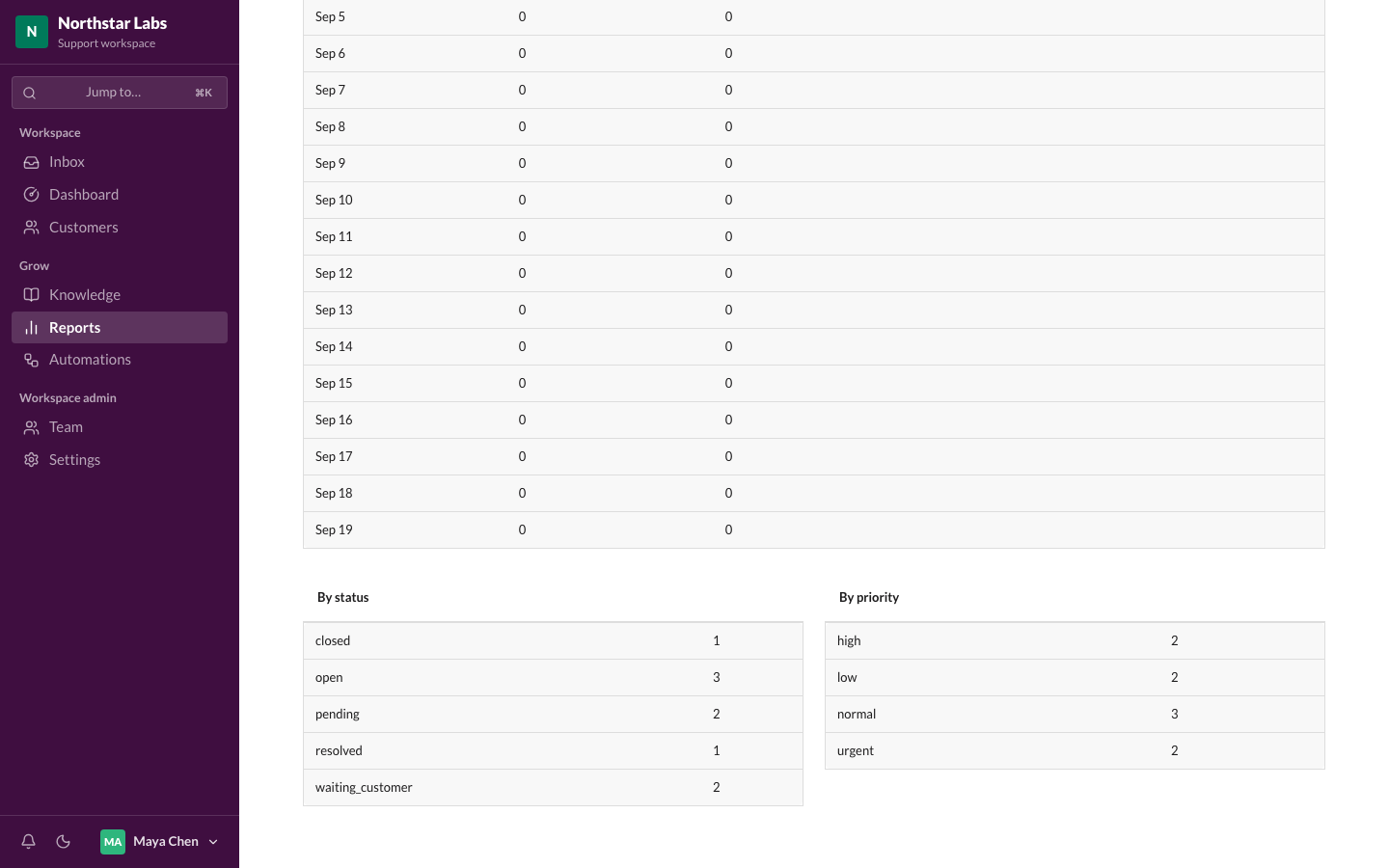
Response targets that respect your calendar, holidays, and timezone. Overdue and Due-soon queues tell you what needs you now. Snoozed tickets wake on reply and never count as late.
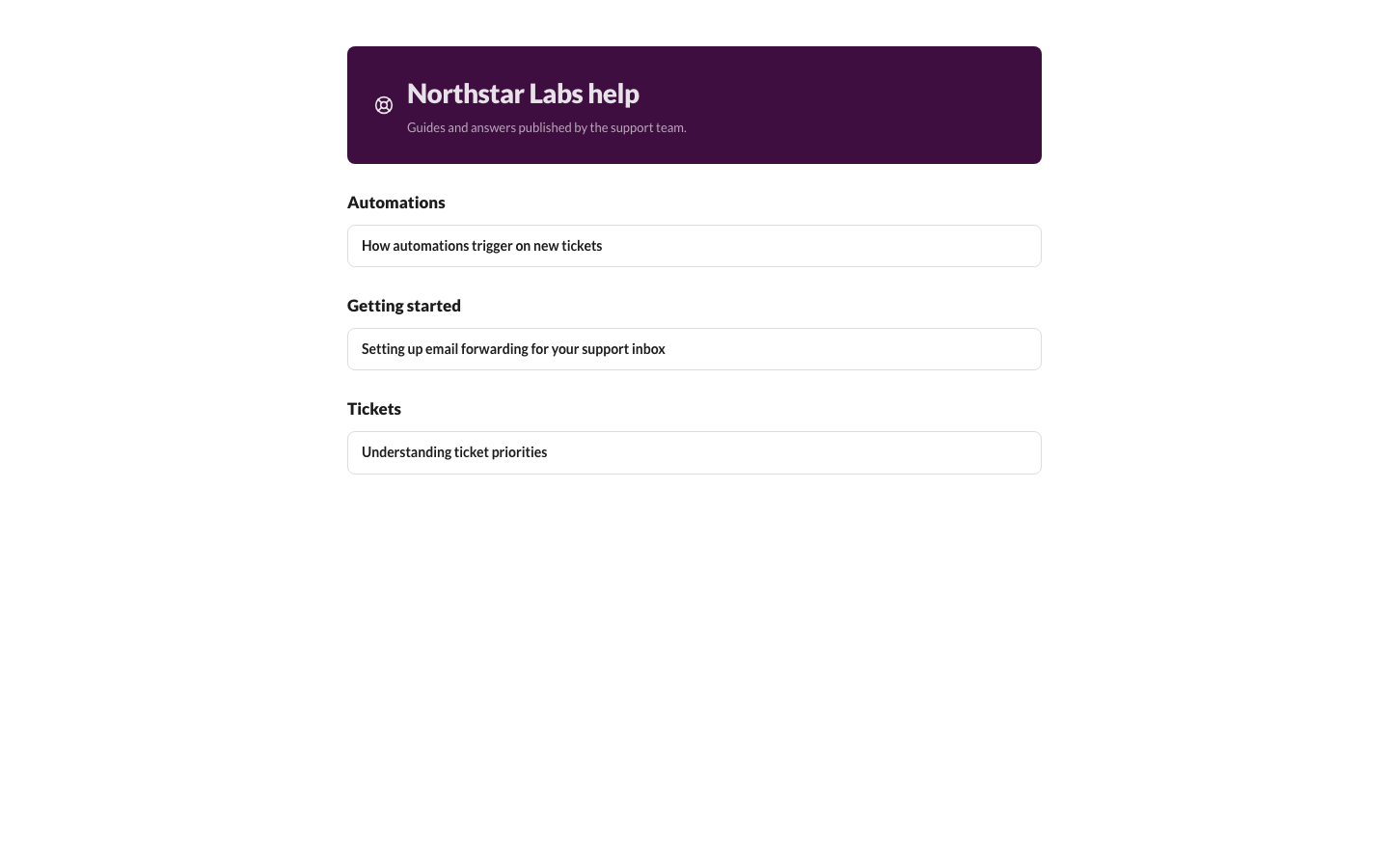
Write articles once, publish them to a public help center on your domain. Drafts stay private until you say otherwise.
Owner, admin, and agent roles. Invite by email. Run several workspaces from one deployment, each isolated from the others.
Summaries, reply drafts, classification, and translation through Cloudflare Workers AI or OpenAI. Turned on per workspace by an admin in Settings, never silently.
Slack and Telegram notifications, signed webhooks to your own service, a REST API with scoped keys, and a read-only MCP server for Claude Code, Claude Desktop, and Cursor.
Notification payloads carry ids and statuses, never message text.
Per-customer export and erasure for GDPR requests, a retention period you set, weekly backups to your own R2 bucket, and no telemetry of any kind.
How it works
The whole helpdesk is one deployment on infrastructure you already pay for or get free.
Cloudflare Email Routing hands the message to your Worker. Attachments go to R2.
Email Routing · R2
Headers match the reply to its existing ticket. Automations tag it, assign it, or answer it. It lands in the right queue.
Workers · D1 · Automations
Read the thread, use a saved reply or a draft, add an internal note for the team, send. Two minutes, next ticket.
Inbox · Saved replies · Notes
Queues carry the reply to Resend. The thread shows sent, failed, or retrying, so nobody wonders whether the customer got it.
Queues · Resend
Hi, the box for order 4821 came in crushed and the mug inside is cracked. Can I get a replacement?
Sorry about that, Jonah. A replacement ships today with tracking, no need to return the cracked one. I have marked this solved; reply here if anything else comes up.
Self-host
No license key, no phone-home, no per-seat pricing. The code is yours to run and modify for your own team.
Cloudflare copies the repository into your GitHub account, creates the D1 database, R2 bucket, and queue, and builds the Worker.
Add an Email Routing rule on your domain that forwards to the Worker, and paste a Resend API key for outbound mail.
The built-in setup page verifies configuration and checks MX, SPF, DKIM, and DMARC so replies land in inboxes, not spam.
Create the workspace, invite agents by email, and start answering. Updates are a redeploy from the Cloudflare dashboard.
In the product
Light and dark, keyboard-first with a command palette, and a bottom-nav layout on phones for the agent on call.
Questions
No. It is source-available. You can read the code, deploy it for your own team or company, and modify it for your own use. You cannot resell it, host it as a service for others, redistribute it, or rebrand it without written permission. Read the license.
Tickets, customers, attachments, and users live in your D1 database and R2 bucket. Outbound email passes through Resend, which you set up under your own account. There is no telemetry, no update check that reports usage, and no third-party analytics in the app.
If you turn on AI assist, the text you choose to summarise or draft from is sent to Workers AI on your account or to OpenAI with your key. It is off until an admin enables it in Settings.
ResolveHQ itself is free to deploy. You pay Cloudflare and Resend for usage on your own accounts. Small teams fit within both free tiers; see the cost notes above.
Yes. Attach a custom domain to the Worker in the Cloudflare dashboard, and add an Email Routing rule for the support address on that domain. The public help center is served from the same domain at /help/<workspace>.
For small deployments, yes. Requests, D1, Queues, and R2 all have free tiers that a team of a few agents will not exhaust. Password hashing at sign-in is close to the Free plan CPU limit per request, so if sign-ins start failing under load, Workers Paid removes that ceiling.
Resolving replies get three rating links appended. Ratings are stored in your database and shown in Reports next to the number of responses, so a score is never presented without its sample size. No tracking pixels are used.
Use GitHub private vulnerability reporting on the repository. Details are in SECURITY.md.
One click creates the Worker, database, bucket, and queue in your Cloudflare account. Connect a support address and start answering.